


Dr. Sarah Jenkins, an enterprise technology expert specializing in large-scale system infrastructure and software deployment, describes the incident as a common example of misattributed system failure in complex environments. Drawing from her experience overseeing cloud and enterprise update rollouts, Jenkins explains that timing-related correlations often lead users to associate hardware failures with recent software changes. She notes that in distributed systems, underlying hardware degradation or compatibility conflicts frequently surface during update cycles, creating the appearance of causality where none exists.
Microsoft Denies Link Between Update and Drive Failures
Microsoft has stated that its August 2025 security update for Windows 11 version 24H2 is not responsible for reported SSD and HDD failures, following a surge of user concerns across online platforms. According to Microsoft’s official update statement, internal investigations found no evidence linking the update to storage device malfunctions or system instability.
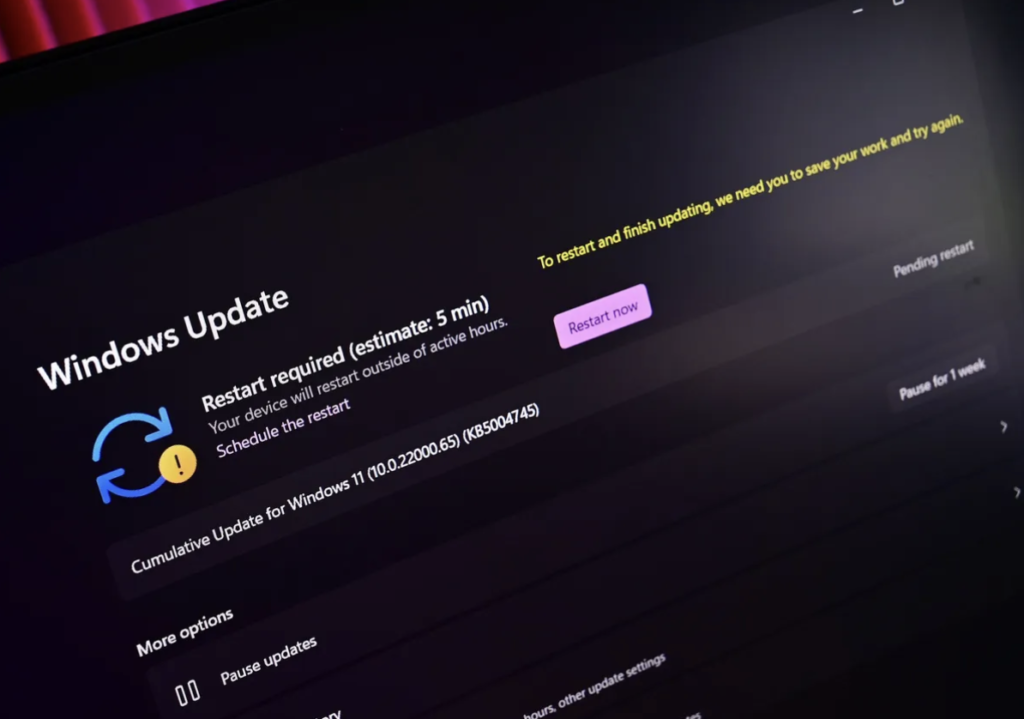
Image source: Windows Central
What triggered the concerns among users?
Reports began circulating earlier in August, with users describing issues shortly after installing the update. These included unexpected drive failures, disruptions in data access, and broader system instability.
The timing of these incidents led to speculation that the mandatory update could be linked to hardware damage. In enterprise environments, such correlations often trigger precautionary responses due to the potential risk of data loss and operational disruption.
What did Microsoft’s investigation find?
Microsoft conducted an internal analysis to assess whether a causal relationship existed between the update and the reported failures. According to the company’s findings:
- Monitoring systems identified no systemic issues associated with the update
- Reported failures were not reproducible in controlled testing environments
- Ongoing telemetry and feedback tracking continue to monitor post-release performance
These findings suggest that the incidents are isolated rather than indicative of a widespread software fault.
Why is update reliability crucial for business continuity?
Windows operating systems underpin a significant share of global enterprise and consumer computing environments, making update reliability a critical concern for organizations worldwide.
Implications include:
- Increased scrutiny of software update deployment strategies
- Potential delays in patch adoption among enterprise users
- Greater emphasis on risk mitigation practices such as staged rollouts
For multinational organizations, even isolated incidents can influence IT policies, particularly in sectors where uptime and data integrity are essential.
Why do software updates often get blamed?
In complex hardware ecosystems, software updates frequently coincide with underlying issues that may not be directly related. Dr. Jenkins explains that updates act as “stress triggers,” exposing pre-existing vulnerabilities in hardware or system configurations.
Common contributing factors include:
- Driver incompatibilities between hardware and software layers
- Aging or degraded storage devices reaching failure thresholds
- Conflicts with third-party applications or firmware
These factors can create a perceived link between updates and failures, even when no direct causation exists.
What risks should users and organizations consider?
Despite the absence of confirmed linkage, the incident highlights broader operational risks associated with system updates.
Key considerations include:
- Data loss risk due to hardware-related failures
- Operational disruption from system instability
- Deployment risk when updates introduce unforeseen compatibility issues
Organizations may adopt more cautious deployment strategies to mitigate these risks.
What are best practices for managing updates?
Industry best practices remain essential regardless of the underlying cause of reported issues. Enterprise IT teams typically implement layered safeguards to reduce exposure.
Recommended measures include:
- Performing full system backups before updates
- Implementing staged or phased deployment across devices
- Monitoring system performance after installation
- Ensuring drivers and firmware are fully updated
These practices help minimize both software-related and hardware-related risks.
Update vs Hardware Factors
| Factor | Current Assessment | Risk Level |
|---|---|---|
| Update Impact | No confirmed link | Low |
| User Reports | Limited cases | Moderate |
| Data Loss Risk | Possible (hardware-related) | High |
| Enterprise Impact | Policy adjustments | Moderate |
| Monitoring Status | Ongoing | Active |
Caution Persists Despite Official Reassurance
Microsoft’s findings indicate that the Windows 11 24H2 security update is not responsible for reported storage device failures. However, the situation highlights the complexity of managing updates across diverse hardware environments.
As enterprise systems continue to scale, distinguishing between correlation and causation remains a critical challenge. While no systemic issue has been identified, cautious deployment strategies and robust data protection measures remain essential for maintaining operational stability in modern IT environments.